From prompt to PowerPoint in Claude
Connect Templafy to Claude and turn research, analysis, and ideas into on-brand, business-ready PowerPoint decks. Built with your approved templates, content, and brand rules.

Turn deep research into business-ready decks

Connect
Visit the Claude connector directory and search for the Templafy connector. Add it to Claude by signing in or creating a free Templafy account.

Create
Research in Claude and ask it to turn that into a presentation. Templafy document agents now step in to create an on-brand deck.

Present
Download a fully editable PowerPoint with the right layouts, fonts, themes, and content. Ready to share.

Brand-safe presentations, built by agents
On-brand from the start
Document Agents apply approved templates, layouts, and brand rules, so every deck meets your standards automatically.
Native PowerPoint files
Every deck is a real .pptx file, with editable slides, objects, layouts, fonts, and themes. Keep working in PowerPoint as usual.
Approved business content
Use approved slide libraries, messaging, pricing, and best-practice content to tell the right story every time.
Bring document governance to every AI workflow
Consistency at scale
Give every team a reliable way to create business-ready PowerPoint, wherever and however they work.
Fewer fixes
Reduce time spent reformatting decks, correcting content, and bringing AI output up to standard.
Cut AI spend
Avoid wasting tokens on output that needs to be rebuilt before it can be used. Learn more.
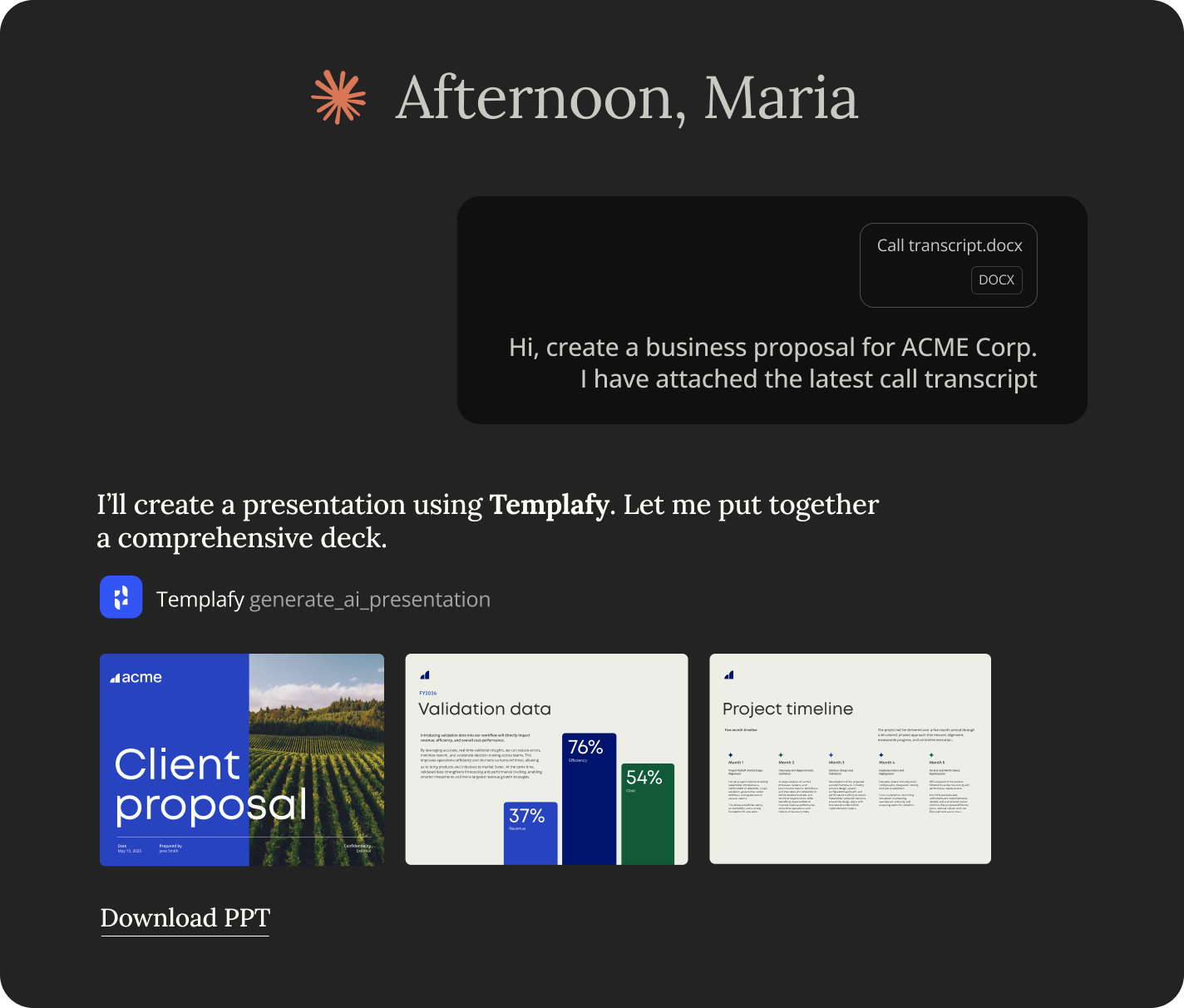
Connect your AI Assistant to Templafy

1. Connect once
Templafy MCP connects AI tools to Templafy Document Agents, starting with Claude and extending to other supported tools as your AI stack evolves.
2. Configure centrally
Manage Document Agents, templates, themes, approved content, and compliance rules in one place.
3. Update everywhere
Update a template, brand rule, or approved asset once. Changes flow into every connected AI workflow.
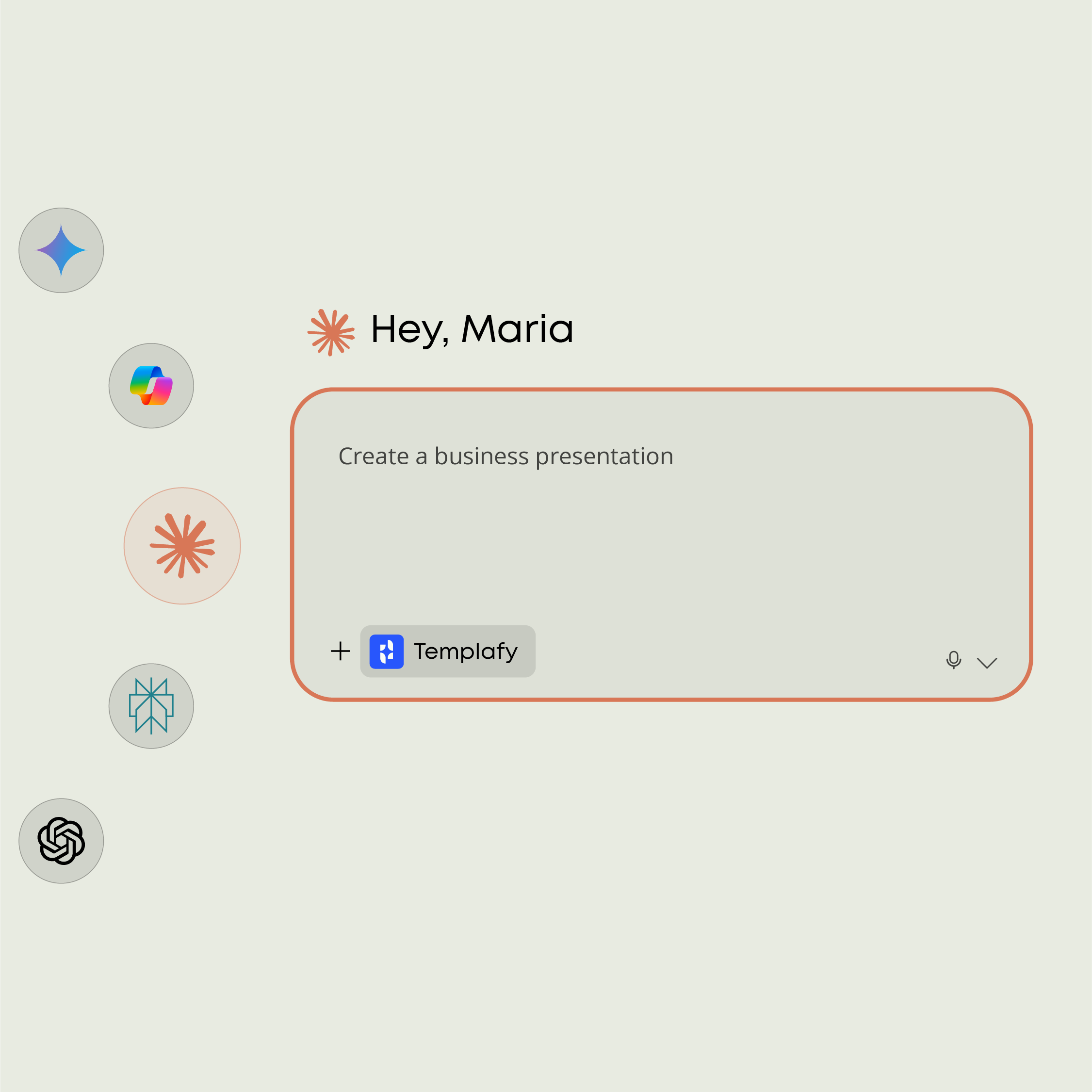
Ready to bring on-brand PowerPoint generation to Claude?
Just add the Templafy connector to Claude and turn your next prompt into a business-ready PowerPoint.