FREE POWERPOINT GENERATOR
Create a PowerPoint presentation instantly with AI. Download it, edit it, use it.
5 ways to keep Copilot PowerPoint presentations enterprise-safe

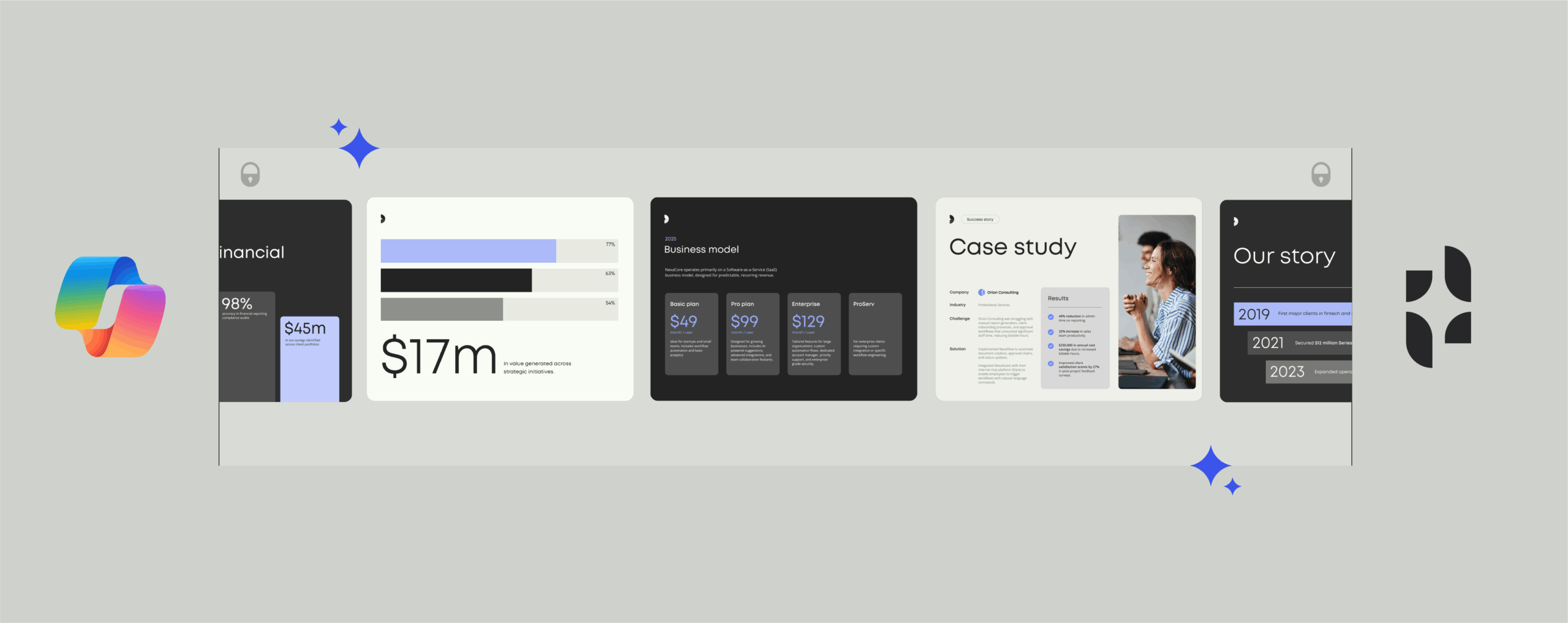
How to add guardrails to Copilot so documents stay on-brand, compliant, and secure
If you’ve built a PowerPoint presentation using Copilot, you already know how much time it can save.
With just a few lines of conversation, Copilot can create a first draft presentation in minutes, so you spend less time wrestling with slides and more time adding value.
But here’s the challenge. For enterprises looking to create accurate, on-brand documents at scale, speed alone isn’t enough.
Without the right guardrails in place, Copilot presentations can pull from out-of-date or inaccurate data sources, use the wrong brand assets, or miss out important legal disclaimers. All of this is a nightmare for your brand and message, and it exposes your company to risks like regulatory noncompliance.
Thankfully, there’s a solution. In this blog, we share five ways that enterprises can keep AI-generated presentations accurate, secure, and consistent at scale.
TL;DR
- Copilot is fast, but without governance it can create presentations that are off-brand, inaccurate, or non-compliant.
- The most effective way to keep Copilot outputs high-quality and consistent is to use purpose-built AI agents that apply governance automatically.
- Templafy does exactly this by using AI agents to connect Copilot to approved templates, brand assets, and compliance rules, ensuring every document uses best practices.
- Microsoft has described Templafy as “one of the best agent implementations we’ve seen—a great model for how third-party innovation can extend the Microsoft ecosystem.” (Templafy)
- Templafy gives organizations the best of both worlds: Copilot’s speed with complete control over accuracy, compliance, and brand consistency.
How does Copilot for PowerPoint work?
Copilot for PowerPoint is an AI-powered assistant that takes the heavy lifting out of creating and editing presentations. Users interact with Copilot through a chat pane from inside PowerPoint.
You can either start from scratch with a simple prompt, like “Create a presentation about our brand guidelines”, or begin by uploading an existing file, like a Word document of PDF. Copilot then generates a complete slide deck with generated text, visuals, and formatting suggestions.
Want better ROI from your Copilot investment?
Discover how the Templafy integration is helping leading enterprises create brand-safe, compliant presentations at scale.
Read more about the Templafy and Copilot integration

How to get enterprise-ready content from Copilot
Keep up with AI
Get practical tips and real stories on how AI is changing document work. Stay informed and make smarter choices for your team.
While this starting-off point is great for personal use, or even for small businesses, organizations need to add additional guardrails. These ensure that Copilot outputs meet data, privacy, and security rules, and align with wider business strategies, like brand compliance.
Some of this fine-tuning can be achieved using built-in features inside Microsoft 365. But for the biggest impact, organizations must add extra steps and tools to ensure quality and consistency.
Below are the five main approaches organizations are using to govern Copilot presentations, along with how effective they actually are at governing.
Option 1: Use built-in Microsoft governance features
Microsoft’s built-in security and compliance controls are essential, but they aren’t enough on their own to govern Copilot. They form the foundation, not the full solution.
Microsoft Purview is the data security and compliance layer for Microsoft 365 and Copilot. In simple terms, it helps you:
- Identify and classify sensitive data
- Apply sensitivity labels and DLP policies
- Control who can access which information
- Monitor and audit user activity
What Purview doesn’t do is shape how Copilot-generated presentations actually look. It won’t decide which templates Copilot should use, how logos or colors are applied, or whether slides contain the right legal text or approved messaging.
That’s why most enterprises use Purview for security and compliance, then layer additional tools on top to manage brand consistency, content quality, and the everyday governance Copilot doesn’t cover.
Option 2: Add manual review processes
Even with strong automation in place, manual reviews are necessary. The trouble is, most enterprises don’t manage them well. Once content starts moving through long email chains or multi-step approval workflows, things slow down fast.
The risks with manual review for enterprises:
- They can’t keep up with the volume of AI-generated content
- Reviews become slow and expensive
- Bottlenecks build as more people need to approve the same deck
- Quality varies depending on who’s reviewing and how busy they are
- Even experienced reviewers miss things under pressure
A better way forward
Document automation platforms can apply brand rules, legal text, and compliance checks at the point of document creation. This dramatically reduces the need for heavy review cycles.
Option 3: Use Microsoft’s Organization Assets Library
Many teams (especially smaller or less complex ones) rely on Microsoft’s Organization Assets Library because it puts approved templates and brand assets directly inside PowerPoint. But, while It’s a helpful starting point, it doesn’t enforce brand or compliance standards at the scale larger enterprises need.
Where it helps:
- One central place for approved templates and visuals
- Easier to find brand-safe assets inside Office
- Copilot can reference approved materials
Where it falls short:
- Provides access but doesn’t enforce correct usage
- No automated checks for brand rules or legal text
- Outdated files in personal drives still influence Copilot
- No validation that a finished deck is compliant or on-brand
Enterprises often pair the Organization Assets Library with a document automation platform for stronger control. For example, platforms like Templafy automatically apply the right templates, logos, layouts, and disclaimers during document creation.
Option 4: Build custom Copilot agents with Copilot Studio
One of the best ways to add more control around Copilot is to introduce AI agents that guide how content is created. Many organizations do this through Copilot Studio, where they build custom Copilot agents that ask gated questions, pull from approved sources, and generate tailored business documents.
The challenge with custom agents
Custom agents can be powerful. The downside is that they take time, specialist skills, and ongoing maintenance to keep up with changes in Copilot, compliance rules, and business needs. They’re also not ideal when you need broad, everyday guardrails for all presentations or want something that can be deployed quickly without months of custom development.
A better approach
That’s why most enterprises lean on prebuilt governance tools or APIs that already know which templates, assets, and rules to apply. This approach gives you consistent, on-brand documents straight away, and keeps custom agents reserved for the smaller set of high-value workflows that truly need them.
How Templafy’s API makes custom Copilot agents even more powerful
Copilot Studio agents are powerful, but they typically rely on AI for understanding and responding to users. When you’re creating business documents (especially regulated or client-facing), you need consistency, not just AI creativity.
That’s why Templafy’s API uses rules-based automation for the parts that must be consistent (templates, logos, data, legal disclaimers, metadata). Meanwhile, AI can handle the creative content generation in specific sections, if required. This blend gives you the speed of AI with the reliability and consistency of rules-based automation, which is essential for important business documents.
How it works:
- The agent collects inputs and context from the user
- Templafy’s API automatically supplies the right templates and brand assets
- Layouts, logos, and disclaimers are applied consistently, so the agent can focus on workflow logic and content generation
Option 5: Use Templafy to bring governance and consistency to Copilot
The most effective way to keep Copilot PowerPoint presentations on-brand and compliant is to add a governance layer that works alongside Copilot.
Templafy is a content enablement and document automation platform that connects Copilot to approved templates, brand assets, and compliance rules. Every presentation starts from the right building blocks instead of whatever Copilot happens to find.
Templafy guides the AI towards trusted, centrally managed materials. That means your teams still get the speed of Copilot, but within boundaries that protect your brand and reduce risk.
How it works with Copilot
There are two ways to make Templafy and Copilot work together:
1. Document is generated with Templafy: Templafy lives inside the tools people already use, like PowerPoint, Word, and Teams. Users can stay in their normal flow, call the declarative Templafy agent from M365 Copilot. The agent surfaces the most suitable template from Templafy and the document is generated with precision. The result is faster document creation with far less manual fixing afterwards.
Watch how Templafy brings automated document generation directly into Microsoft Copilot.
2. Presentation is generated with Copilot: Here Templafy supports the brand and compliance of the Copilot-generated presentation. While the content is created with Copilot, the template, visuals and compliance elements are supplied by Templafy. The result is a Copilot-generated presentation which also adheres to brand and compliance requirements.
Watch how Templafy brings brand control to Copilot
Key benefits for enterprises
- Fast to get started: Templafy can usually be rolled out in weeks, not months, with support to handle setup and onboarding so teams see value quickly.
- Easy to keep up to date: When brand or legal teams change templates, wording, or disclaimers, those updates are pushed to everyone automatically—no need to rebuild custom agents or retrain users.
- One place for everything: The same platform can manage sales decks, reports, HR documents, contracts, and more, so different teams aren’t all solving the same problems in different ways.
- Built for enterprise use: Templafy is designed for large organizations, with strong security and compliance standards, so you can use it alongside Copilot for important business documents with confidence.
“Templafy has built one of the best agent implementations we’ve seen—a great model for how third-party innovation can extend the Microsoft ecosystem. When we spoke to enterprises about content management, we kept hearing the same name: Templafy. With their solution, Copilot becomes the interface, and agents do the work on your behalf.”
Shawn Villaron
GM and VP of PowerPoint, Microsoft
Read more about Templafy’s document agent launch at the Microsoft AI Tour.
Templafy benefits
The benefits of Templafy across your organization
- Accelerate revenue cycles across sales and client-facing teams
- Protect your brand reputation at enterprise scale
- Reduce compliance risk across regulated document types
- Achieve rapid, substantial ROI organization-wide
- Free IT from maintenance burden across the organization
From prompt to presentation
Book a demo to see how Templafy simplifies document creation, keeps your brand on track, and boosts efficiency.
Templafy doesn’t just automate presentations—it transforms document creation across every team and every document type, delivering measurable business value organization-wide.
From sales proposals to audit reports to HR policies, Templafy ensures accuracy, compliance, and brand consistency at scale. Here’s how.
Accelerate revenue cycles across sales and client-facing teams
Sales teams respond to opportunities faster when proposals, RFPs, and pitch decks take minutes instead of weeks. Employees spend less time on formatting and hunting for assets, and more time on strategic, revenue-generating work.
IComm cut proposal creation time by 92%—from 4 hours down to just 20 minutes—with Templafy’s automation tools. (Templafy)
Protect your brand reputation at enterprise scale
Whether it’s a pitch deck, a contract, or an engagement letter, every document automatically follows your visual identity, messaging, and compliance standards. This consistency applies across all teams and locations, eliminating the risk of off-brand materials reaching clients or regulators.
Global consultancy firm ERM ensures brand consistency across 7,500 employees in 40+ countries by automating document creation with Templafy. (Templafy)
Reduce compliance risk across regulated document types
Automating the inclusion of required disclaimers, sensitivity labels, and regulatory language eliminates manual errors and demonstrates due diligence during audits.
Organizations with governed document workflows report 30% fewer document errors and 92% faster document cycles. (Templafy)
Achieve rapid, substantial ROI organization-wide
Automation translates directly into cost savings through reduced labor hours, eliminated rework, and faster time-to-market across every department producing high-volume documents.
Organizations with 10,000 users achieve 1,239% ROI over three years, with $25.1 million in benefits and payback in under 3 months. (Forrester Total Economic Impact of Templafy)
Free IT from maintenance burden across the organization
Centralized template management and automatic updates eliminate the need for IT to maintain document systems, deploy updates, or support users on brand standards.
95% of IT involvement is eliminated once Templafy is deployed, freeing resources for strategic initiatives. (Forrester Total Economic Impact of Templafy)
Why global enterprises trust Templafy
From proposals and contracts to board decks and reports, Templafy delivers the control, compliance, and efficiency large enterprises depend on.
Proven results at scale
92% faster proposal creation
IComm, Read the case study
$1.65m saved in one year
BDO Canada, Read the case study
Brand consistency across 7,500+ employees in 40+ countries
ERM, Read the case study
Templafy & Copilot
Harness the power of AI for sales teams
“With AI we are shifting from creators to evaluators and Templafy fits perfectly into that.”

Jason Baer
SR Group Manager, Digital Strategy Group, Adobe
Ready to get the best ROI from your Copilot investment?
There’s a reason over 800 global enterprises—including KPMG, BDO, EY, and Capgemini—trust Templafy to power their AI-driven document workflows. We’ve been partnering with Microsoft for over a decade, and our document agents are purpose-built to extend Copilot’s capabilities with enterprise-grade governance.
With the right guardrails in place, your organization can harness the full power of AI without the risk. That means faster revenue cycles, stronger brand consistency, reduced compliance exposure, and measurable cost savings.
The best way to find out what Templafy can do for your organization is to schedule a call with one of our document generation experts. We’ll show you how Templafy can help you:
- Accelerate time-to-market for proposals, presentations, and client deliverables
- Protect your brand reputation with automated compliance and consistency
- Reduce operational costs by eliminating manual document workflows
- Scale governance effortlessly across all teams, regions, and document types
Book a demo to see Templafy and Copilot in action, or explore our customer cases to learn how leading enterprises are transforming document creation with AI.
Additional content
Take control of Copilot outputs with Templafy
Inside: Safe GenAI document creation with Templafy and Microsoft Copilot for Office 365
FAQs: Microsoft Copilot presentations
Is Microsoft Copilot safe for enterprise use?
Yes, but you need proper governance. Copilot includes enterprise security like data encryption and compliance certifications (GDPR, HIPAA, ISO 27001). The catch? It respects your existing permissions. If files are overshared, Copilot can surface sensitive information to the wrong people. Audit your permissions and use governance tools like Templafy to keep outputs compliant.
How does Copilot for PowerPoint work?
Open PowerPoint, click the Copilot chat panel, and type what you need (like “Create a sales deck about our new product”). Copilot generates a complete presentation with text, visuals, and formatting. Just remember: without governance, those outputs might not match your brand or accuracy standards.
Can Copilot access all my company’s data?
Only what you’re already allowed to see. Copilot uses Microsoft Graph to pull from SharePoint, OneDrive, and Teams, but it follows your permissions. The problem is that many companies have overshared files or messy access controls. That means Copilot might accidentally surface confidential data. Run a permissions audit before rolling it out.
What’s the difference between built-in governance and tools like Templafy?
Microsoft Purview handles data security, like DLP, sensitivity labels, and audit logs. But it doesn’t manage brand consistency or content accuracy. That’s where Templafy comes in. It ensures Copilot uses approved templates, correct branding, legal disclaimers, and verified sources. Think of it this way: Purview protects what data Copilot sees. Templafy controls what it creates.
How do I keep Copilot presentations on-brand?
You’ve got three options: use Microsoft’s built-in features (limited), implement manual reviews (slow), or use document agents like Templafy. Templafy connects Copilot to your template library and brand assets (logos, colors, fonts, legal text, metadata) all applied automatically. No manual corrections needed.
Does Copilot store my prompts and presentations?
Yes, but within your tenant. All data stays encrypted and inside your Microsoft 365 environment. Your data isn’t used to train public AI models, and you control retention policies through Purview. You can track everything with audit logs if you need to.
Can I use Copilot in regulated industries?
Absolutely, with the right setup. Copilot meets compliance requirements for finance, healthcare, and legal (GDPR, HIPAA, SOC 2, ISO 27001). But you need to add controls: sensitivity labeling, DLP policies, audit trails, and governance tools to ensure required disclaimers appear in outputs. Platforms like Templafy automate these compliance requirements.
What happens if Copilot generates incorrect information?
It can. Copilot generates responses based on patterns, not verified facts. Always review AI content before sending it to clients. To reduce errors: connect Copilot to verified sources (your CRM, knowledge bases), use governance tools that enforce accuracy, and train your team to fact-check. Templafy reduces errors automatically by pulling content only from approved sources.
Can I control which templates Copilot uses?
You can publish corporate templates to your Organization Asset Library so Copilot can find them. But that doesn’t stop it from using other templates or creating off-brand layouts. Templafy gives you real control—it restricts Copilot to approved templates only and automatically applies your brand standards. Every deck follows your design system.
BLOG
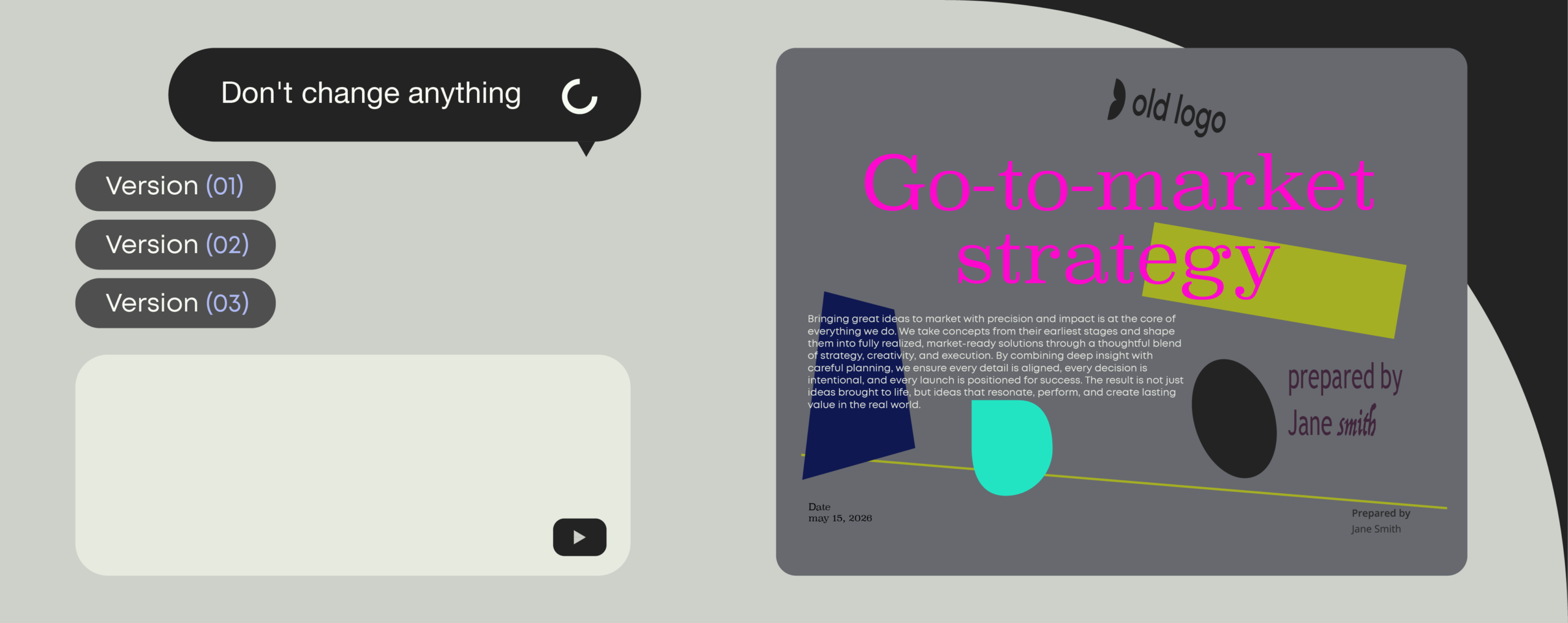
The best AI presentation generators in 2026 (tested for business-use)
March, 2026
23 min read
Ever found yourself editing slides moments before a big pitch? Then you already know why AI presentation tools are one of the fastest growing categories in workplace tech. In this guide, we compare the most popular AI presentation generators for enterprise readiness, so you can find tools that truly work for business.
Read more

BLOG
Our Gartner report recap: How to think about AI in document management in 2026
February, 2026
4 min read
As generative and agentic AI move from pilots into daily use, organizations are being forced to confront a practical reality: AI only delivers value when it is grounded in structured, accessible, and well-governed content.
Read more
BLOG
Templafy Talks: Going beyond text to generate full documents
February, 2026
9 min read
This Templafy Talks session focused on a growing challenge: how to add structure, governance, and brand control to AI-generated content.
Read more